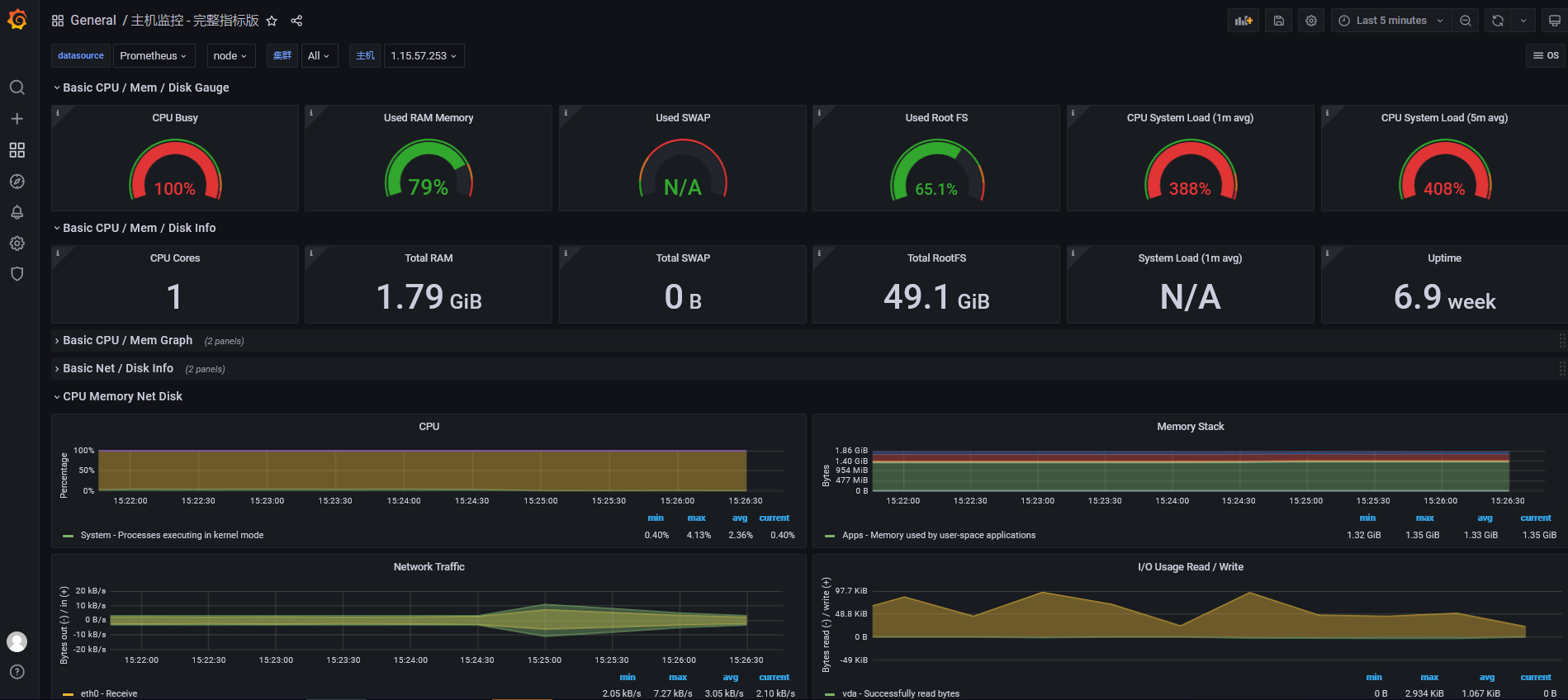
本文講解如下內容
(1)能夠安裝prometheus服務器
(2)能夠通過安裝node_exporter監控遠程linux
(3)能夠通過安裝mysqld_exporter監控遠程mysql數據庫
(4)能夠安裝grafana
(5)能夠在grafana添加prometheus數據源
(6)能夠在grafana圖形顯示主機監控數據
(7)能夠在grafana圖形顯示mysql監控數據
測試地址(可訪問)
prometheus:http://1.15.57.253:9090/
grafana :http://1.15.57.253:3000/ 密碼admin admin
架構圖

安裝規劃
我的騰訊云IP是 1.15.57.253
因此組件都裝在這臺機器上。另外在這個機器上有安裝mysql5.7
| 組件(IP1.15.57.253) | 端口 |
|---|---|
prometheus | 9090 |
node_exporter | 9100 |
mysqld_exporter | 9104 |
| grafana | 3000 |
| mysql5.7 | 3360 |
(1)安裝prometheus
下載地址,
下載相應版本,安裝到服務器上官網提供的是二進制版,解壓就能用,不需要編譯
https://prometheus.io/download/
解壓
tar xf prometheus-2.31.1.linux-amd64.tar.gz -C /usr/local/
mv /usr/local/prometheus-2.31.1.linux-amd64/ /usr/local/prometheus
使用默認配置文件啟動
/usr/local/prometheus/prometheus --config.file="/usr/local/prometheus/prometheus.yml" &
確認端口(9090)
lsof -i:9090啟動后可以直接訪問http://1.15.57.253:9090/
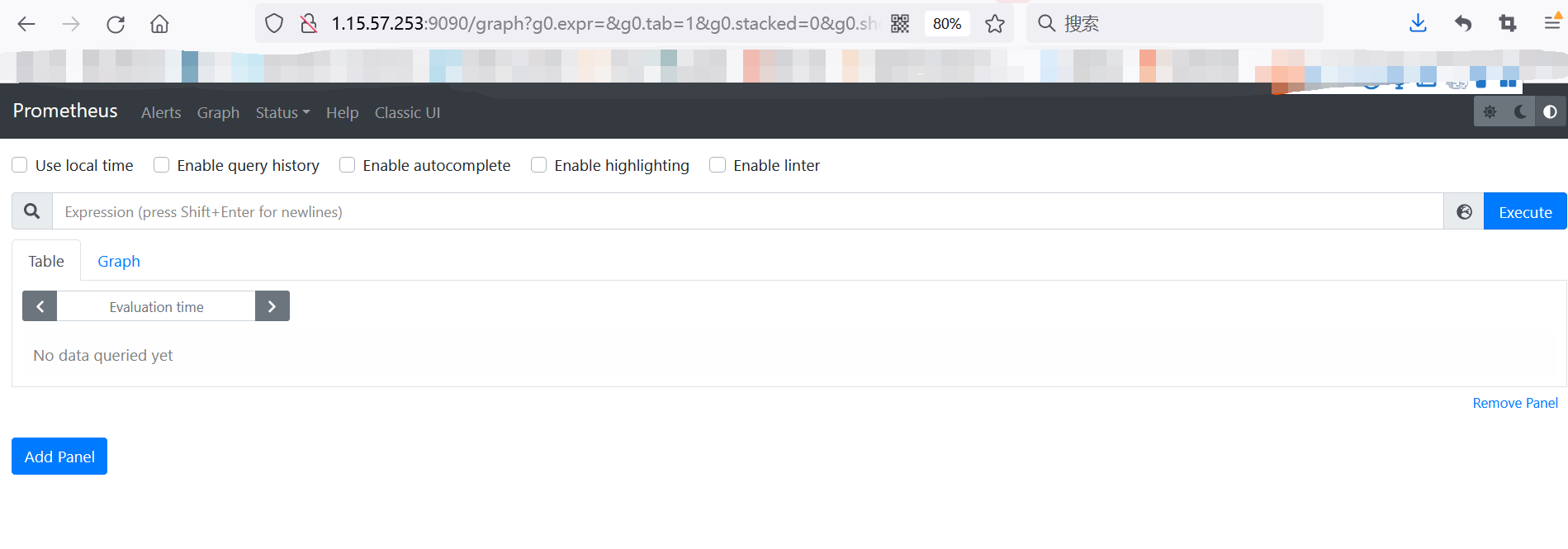
默認只監控了本機一臺,點Status --》點Targets --》可以看到只監控了本機
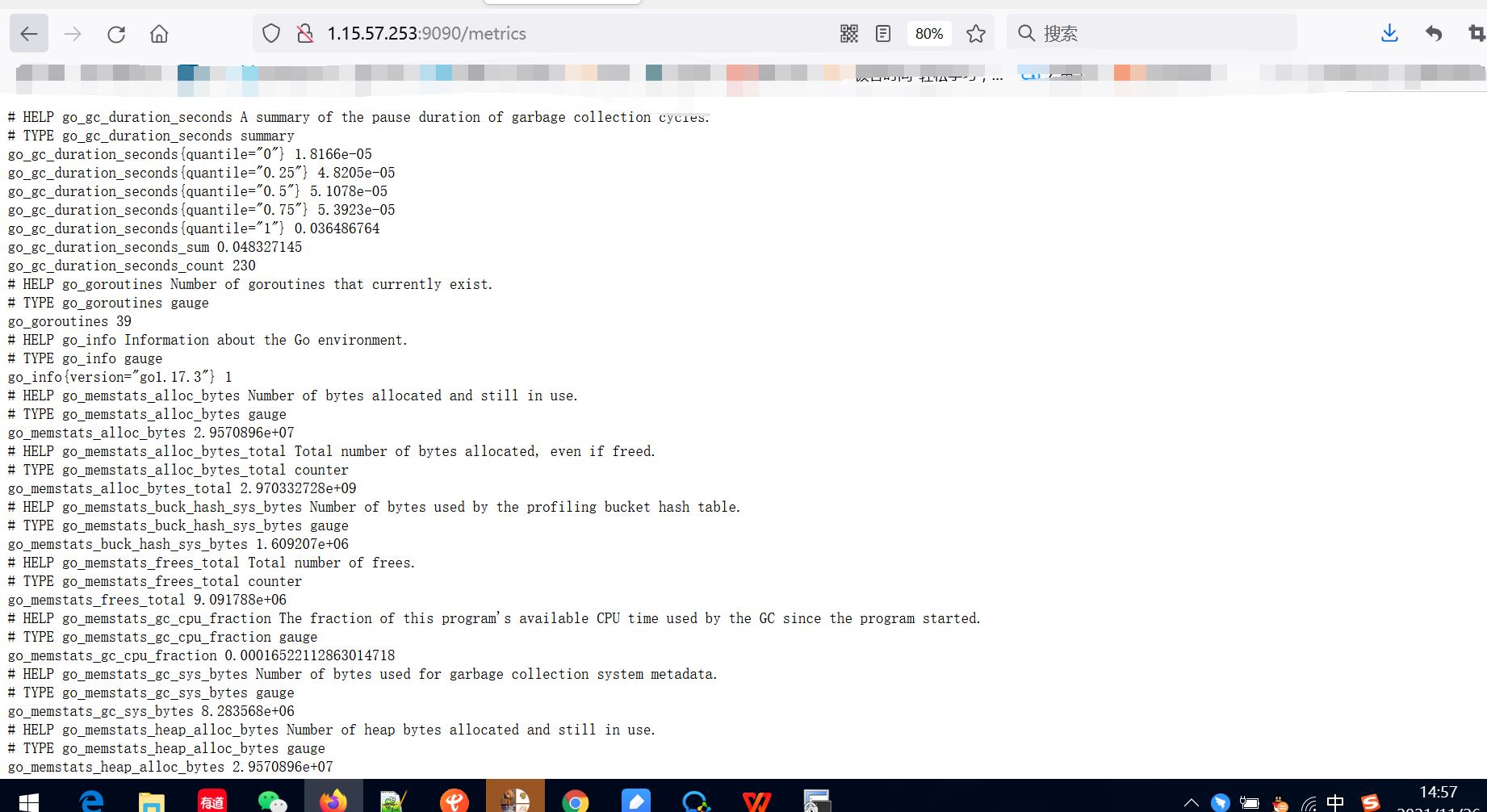
訪問http://1.15.57.253:9090/metrics
主機數據展示
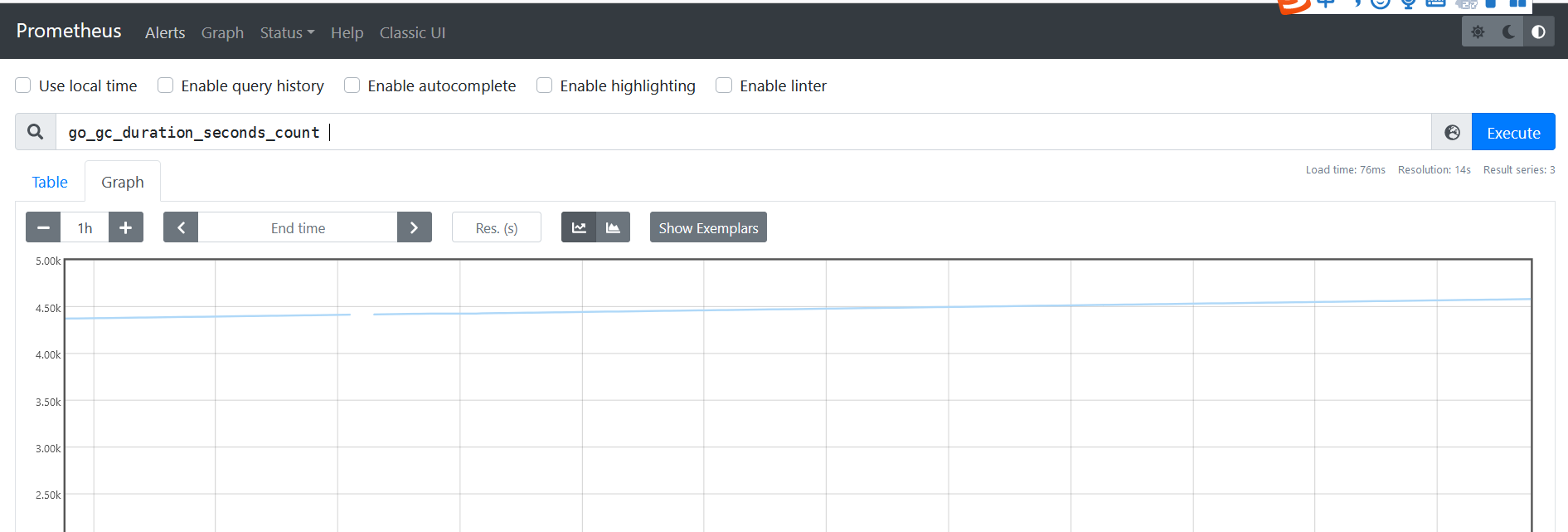
也可以在這里以通過關鍵字查詢監控項
(2)監控遠程Linux主機
下載地址:https://prometheus.io/download/
tar -xzf node_exporter-1.3.0.linux-amd64.tar.gz -C /usr/local/
mv /usr/local/node_exporter-1.3.0.linux-amd64/ /usr/local/node_exporter
啟動命令node_exporter,可以直接使用此命令啟動
nohup /usr/local/node_exporter/node_exporter &
確認端口(9100)
lsof -i:9100
擴展: nohup命令: 如果把啟動node_exporter的終端給關閉,那么進程也會隨之關閉。nohup命令會幫你解決這個問題。
通過瀏覽器訪問http://被監控端IP:9100/metrics就可以查看到node_exporter在被監控端收集的監控信息
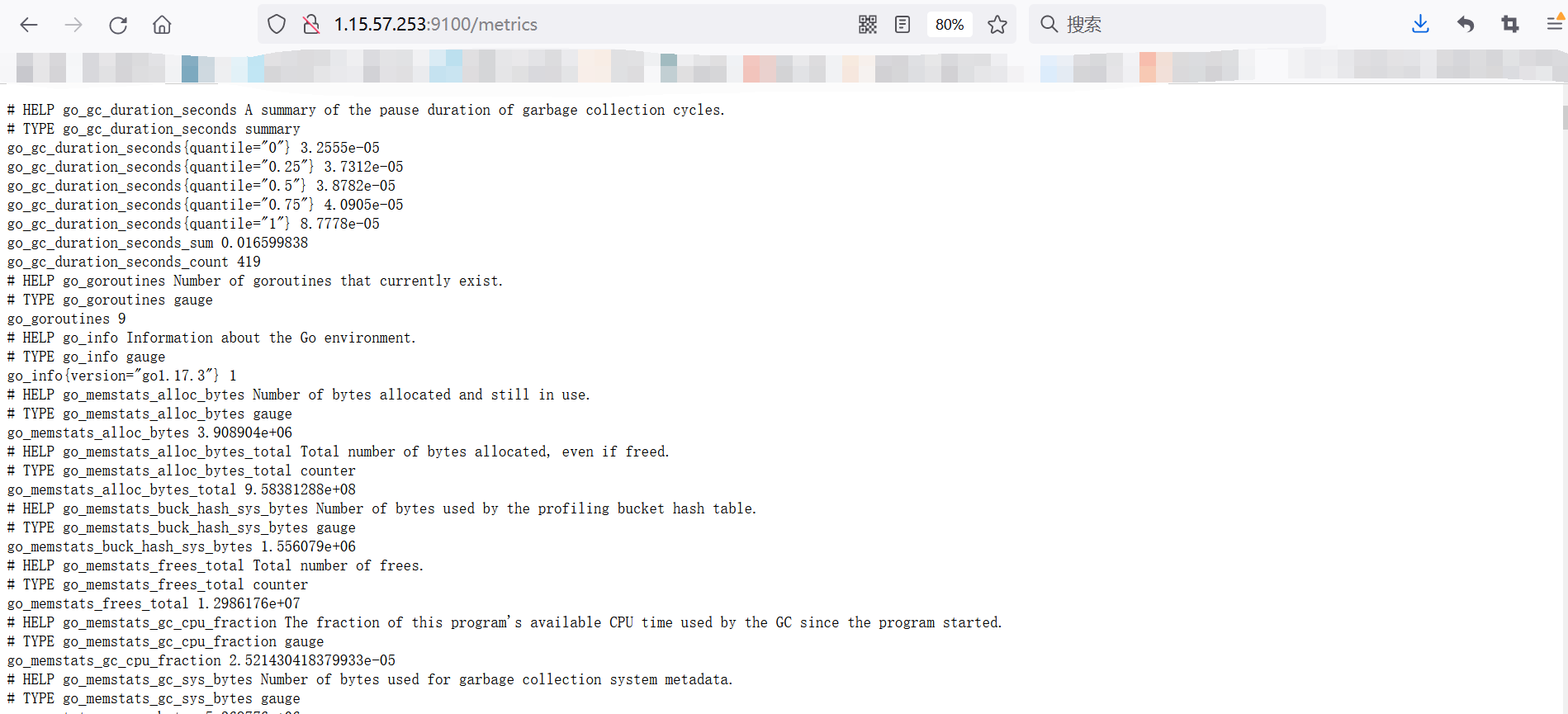
回到prometheus服務器的配置文件里添加被監控機器的配置段
vim /usr/local/prometheus/prometheus.yml
添加如下
- job_name: "node"

# metrics_path defaults to '/metrics'
# scheme defaults to 'http'.

static_configs:
- targets: ["1.15.57.253:9100"]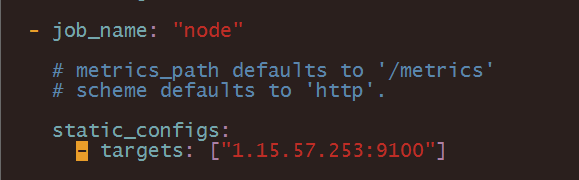
改完配置文件后,重啟服務
pkill prometheus

lsof -i:9090 # 確認端口沒有進程占

啟動
/usr/local/prometheus/prometheus --config.file="/usr/local/prometheus/prometheus.yml" &

lsof -i:9090 # 確認端口被占用,說明重啟成功
回到web管理界面 --》點Status --》點Targets --》可以看到多了一臺監控目標

(3)監控遠程MySQL
下載地址: https://prometheus.io/download/
tar zxf mysqld_exporter-0.10.0.linux-amd64.tar.gz -C /usr/local/
cd /usr/local/
mv mysqld_exporter-0.10.0.linux-amd64/ mysqld_exporter
cd mysqld_exporter/
登錄mysql創建一個監控用戶
grant select,replication client,process ON *.* to 'mysql_monitor'@'localhost' identified by '123';(注意:授權ip為localhost,因為不是prometheus服務器來直接找mysql獲取數據,而是prometheus服務器找mysql_exporter,mysql_exporter再找mysql。所以這個localhost是指的mysql_exporter的IP)
vim /usr/local/mysqld_exporter/.my.cnf
[client]
user=mysql_monitor
password=123

# 啟動
nohup /usr/local/mysqld_exporter/mysqld_exporter  -config.my-cnf="/usr/local/mysqld_exporter/.my.cnf" &

確認端口
lsof -i:9104
回到prometheus服務器的配置文件里添加被監控的mysql的配置段
pkill prometheus
lsof -i:9090
vim /usr/local/prometheus/prometheus.yml

寫入如下
 - job_name: "agent_mysql"

    # metrics_path defaults to '/metrics'
    # scheme defaults to 'http'.

    static_configs:
      - targets: ["1.15.57.253:9104"]

重啟prometheus
/usr/local/prometheus/prometheus --config.file="/usr/local/prometheus/prometheus.yml" &
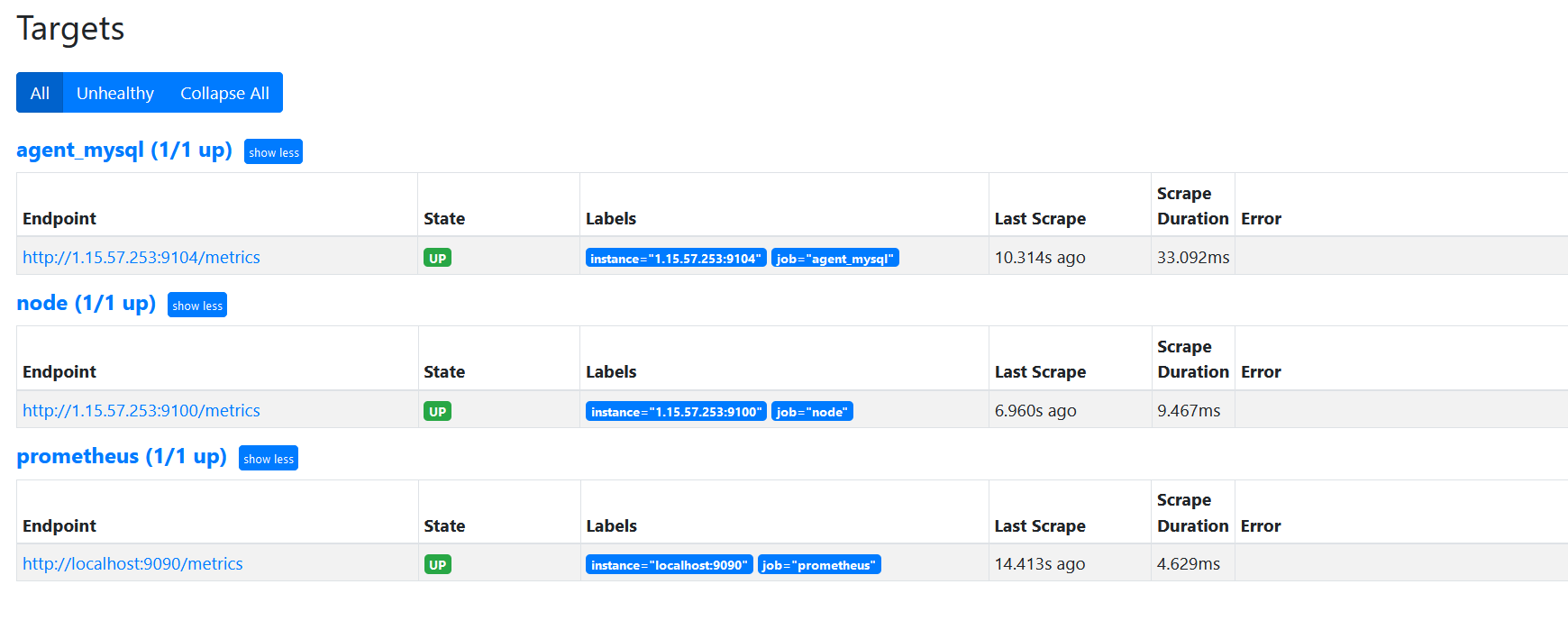
回到web管理界面 --》點Status --》點Targets --》可以看到監控mysql了
(4)安裝grafana
wget https://dl.grafana.com/enterprise/release/grafana-enterprise-8.2.5-1.x86_64.rpm
sudo yum install grafana-enterprise-8.2.5-1.x86_64.rpm

systemctl start grafana-server
systemctl enable grafana-server

查看是否啟動
lsof -i:3000
通過瀏覽器訪問 http:// grafana服務器IP:3000就到了登錄界面,使用默認的admin用戶,admin密碼就可以登陸了
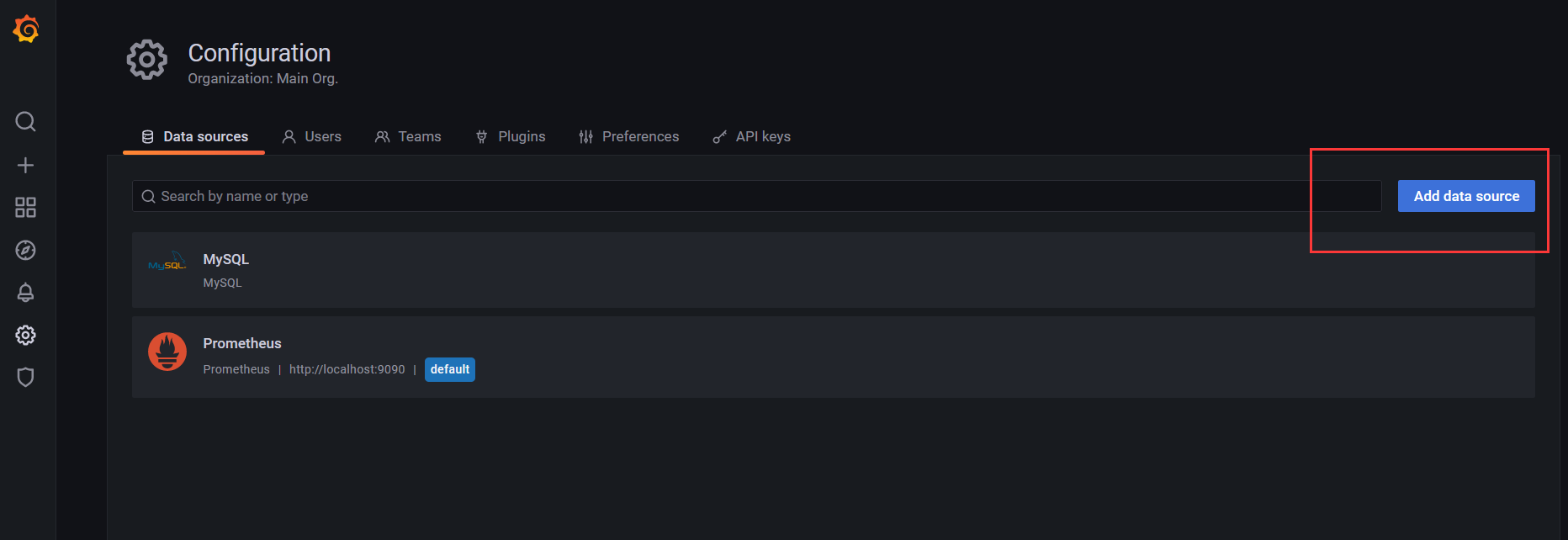
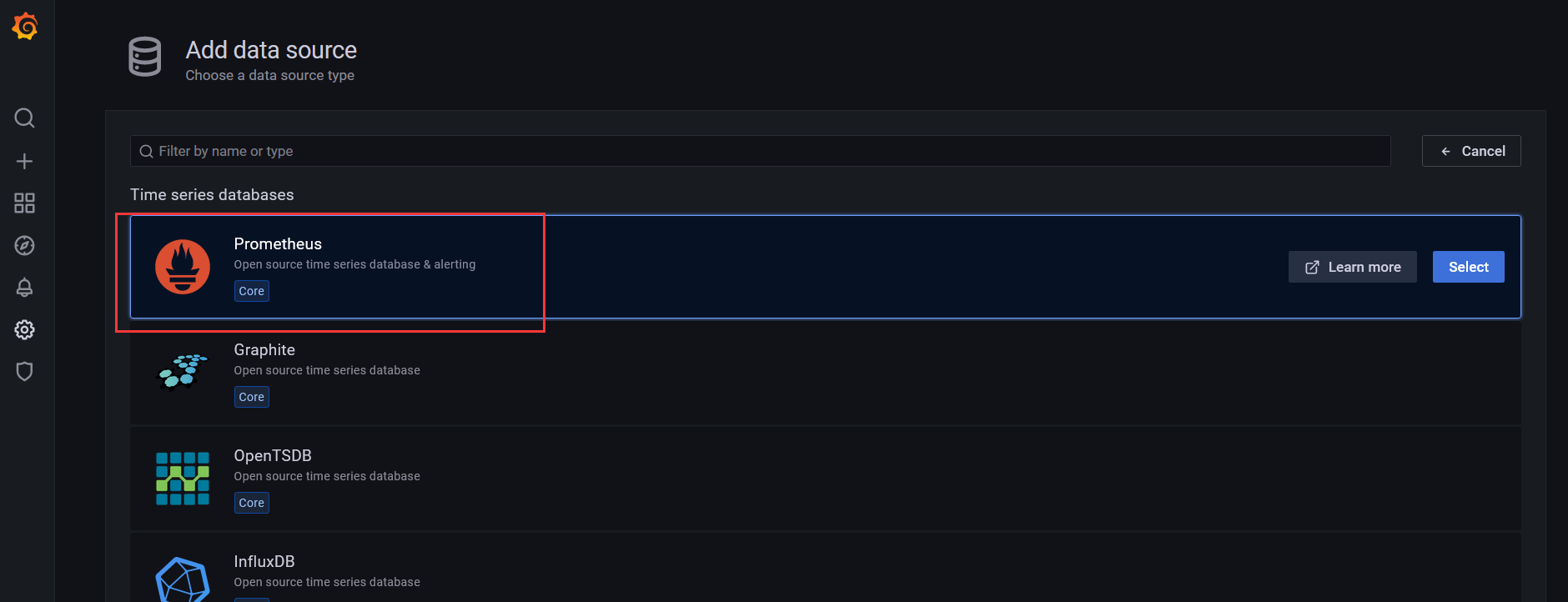
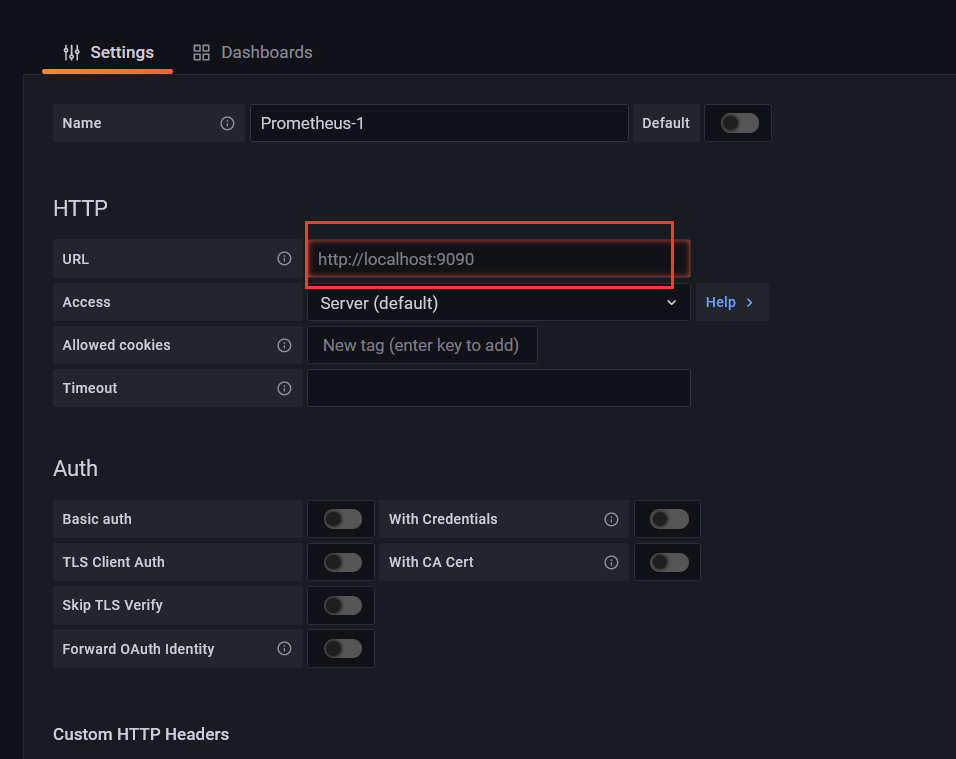
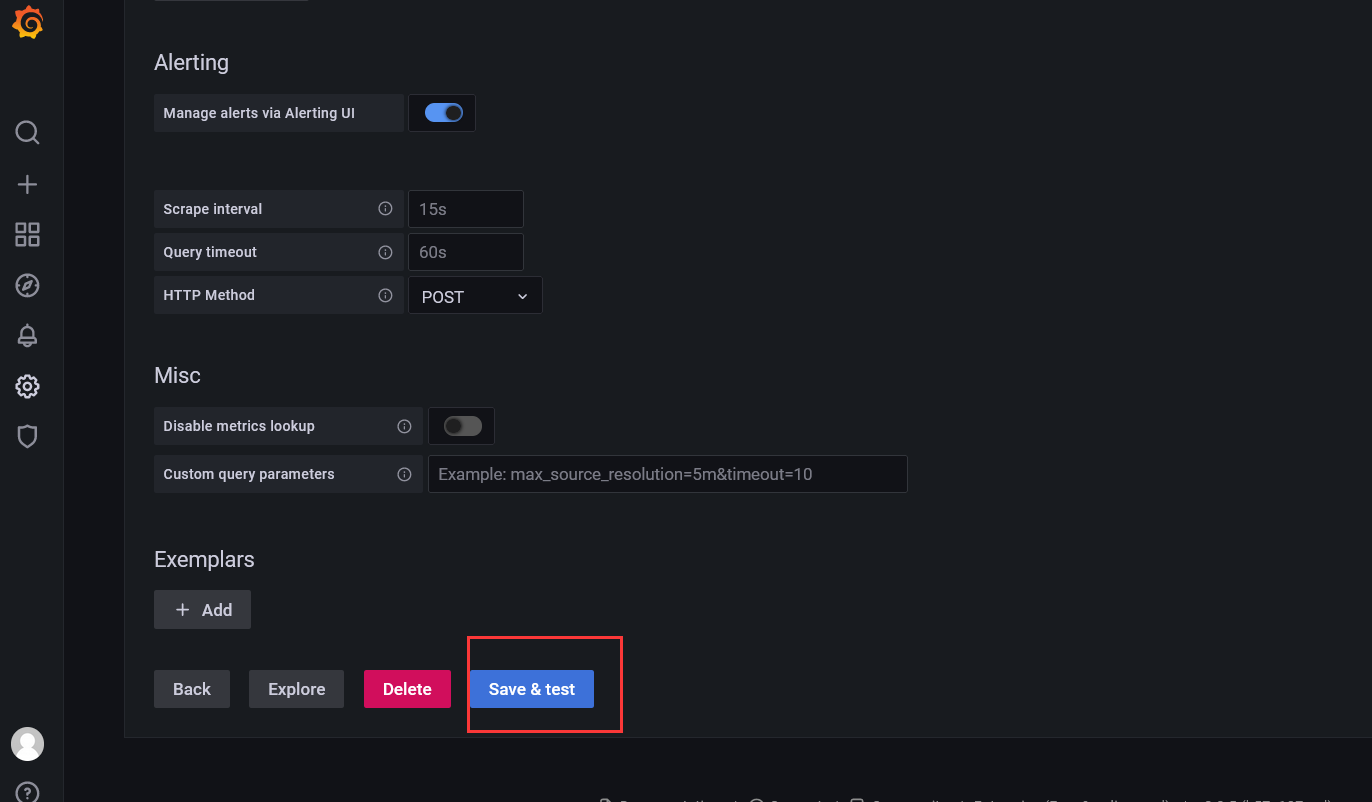
(5)在grafana添加prometheus數據源

(6)在grafana展示監控數據
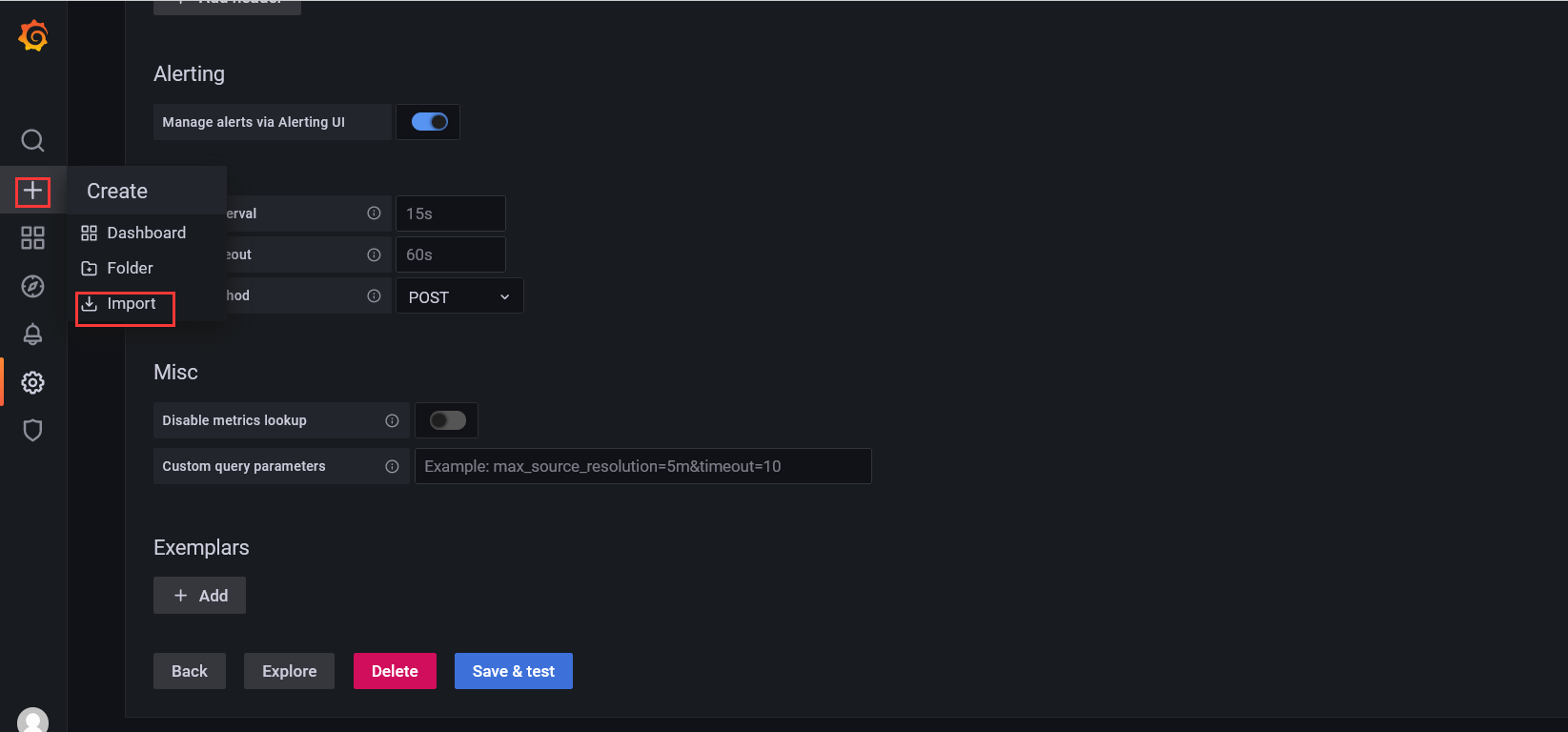
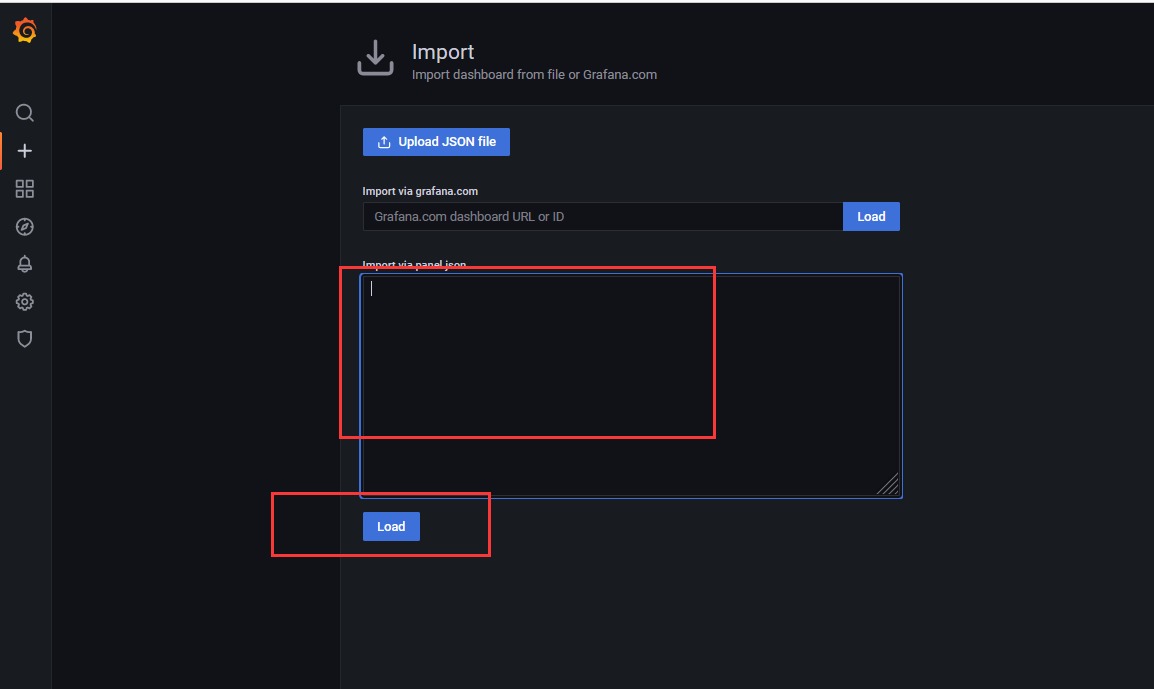
配置好數據源之后,分別導入一份主機json模板和一份mysql監控json模板即可
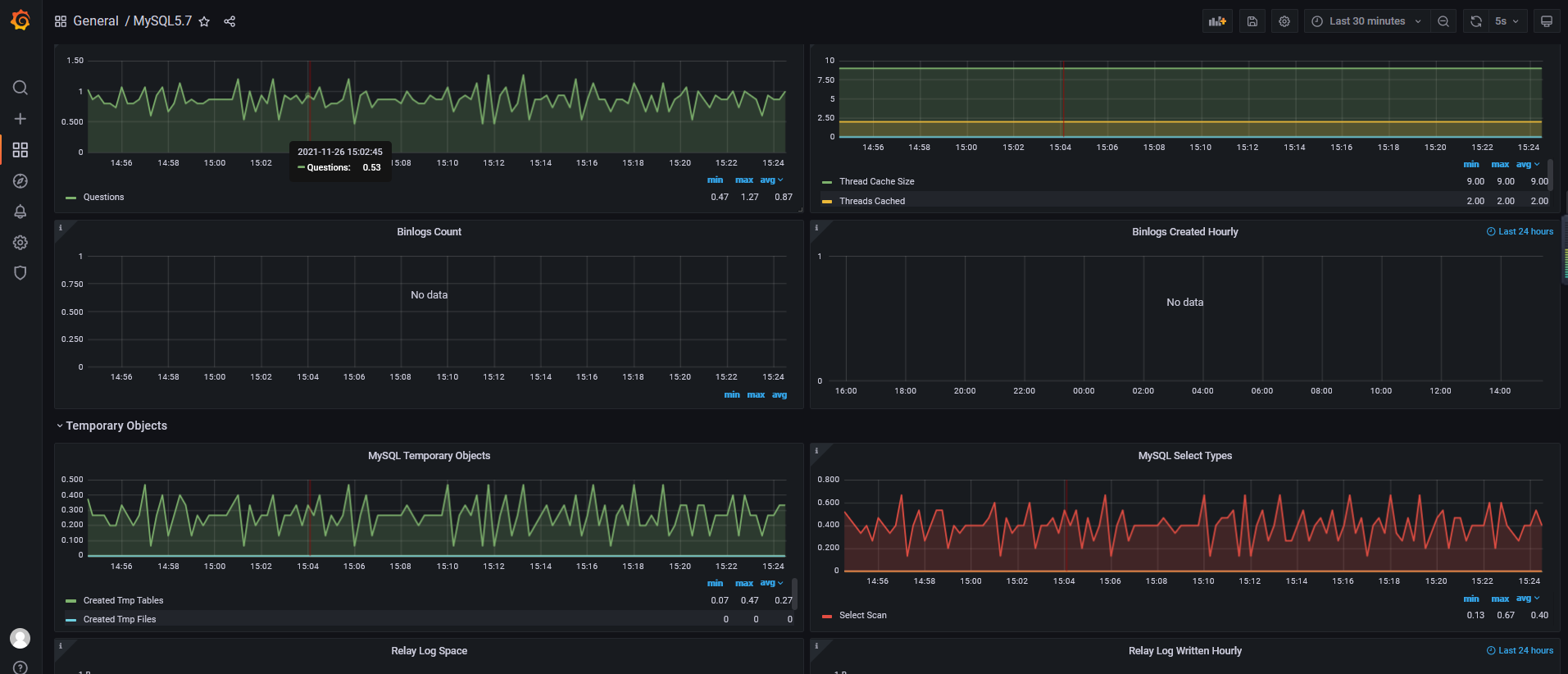
mysql監控
主機監控